

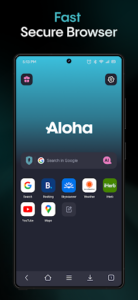

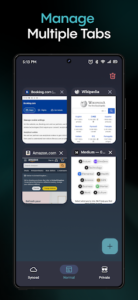
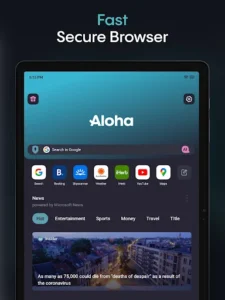
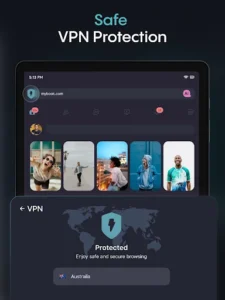
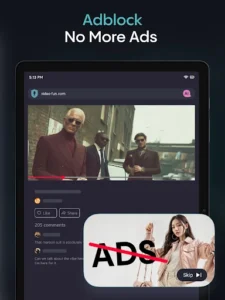
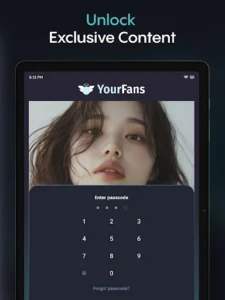
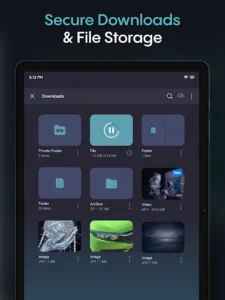
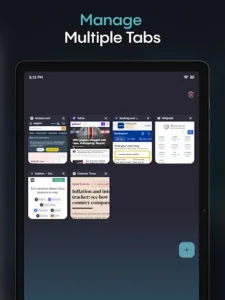
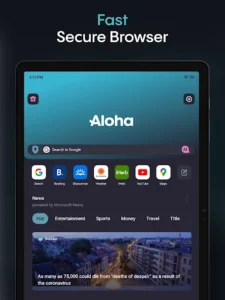
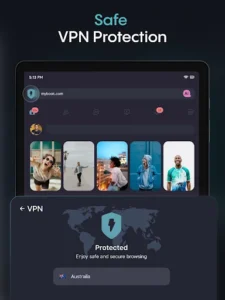
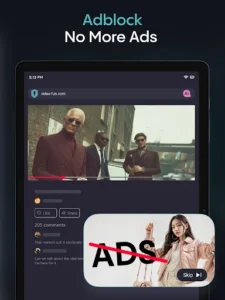
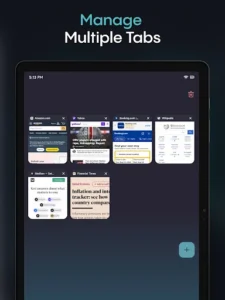
Aloha Browser (Beta) is an internet browser designed with a strong emphasis on user privacy and security, integrating several tools to enhance the browsing experience. Users can navigate the web in a private environment, manage their downloads, and secure their files. A key distinguishing feature is its built-in, free VPN, which aims to provide unrestricted access to content, alongside a robust ad blocker for a faster and less cluttered browsing journey. The app also supports comprehensive file management, including media downloads and playback, and offers secure cloud storage options.
Private Browsing and Security Features
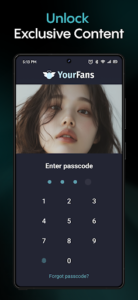
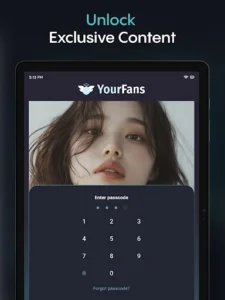
The app functions as an incognito browser, prioritizing online safety and privacy. It includes secure tabs and a Secure Vault, which can be protected with a password, to help enhance the security of your browsing data and stored files.
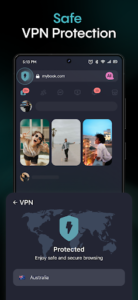
Integrated VPN and Ad Blocker
Aloha Browser features an unlimited and free Express VPN, intended to help users bypass geo-restrictions and ensure secure, fast internet access. Complementing this is a built-in ad blocker, designed to remove advertisements and contribute to a quicker browsing experience.
File Management and Media Playback
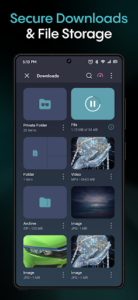
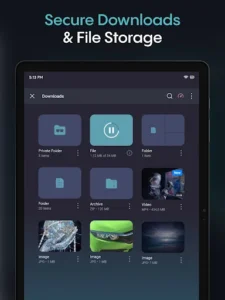
Beyond web browsing, Aloha Browser serves as a tool for seamless file management. Users can download videos, music, and various other files directly within the app. It includes a mini video player and an offline music player, allowing you to watch movies or listen to music. Media playback supports gesture control for a more interactive experience.
Wi-Fi File Sharing
For content management, the app provides a private Wi-Fi file browser feature. This allows for the safe transfer of files between different devices, enhancing your ability to share and organize content effortlessly.
Aloha Cloud Storage
Recently, Aloha Cloud storage plans have become available, offering secure cloud space of up to 2 TB directly integrated within the browser. This feature allows users to back up their downloads, individual files, and even entire folders to Aloha Cloud. Files are linked to your Aloha account, ensuring they remain accessible even if you switch to a new phone or reinstall the app. You can also stream videos, browse photos, and play music directly from the cloud without needing to download them first.






Write a review